
Betano Mobile App – Android APK Download & iOS in Romania
The Betano mobile app puts the operator’s full sportsbook and casino in your pocket, with ratings of 4.8/5 on the App Store and 4.4/5 on Google Play. This independent review breaks down exactly how to download the Android APK and the iOS version, what the app actually does, and how to squeeze maximum value from mobile betting at Betano Romania – an operator licensed by ONJN (licence no. L1170664W000663, operated by Kaizen Gaming International Limited, on the Romanian market since 2017).
Betano Mobile App – Overview
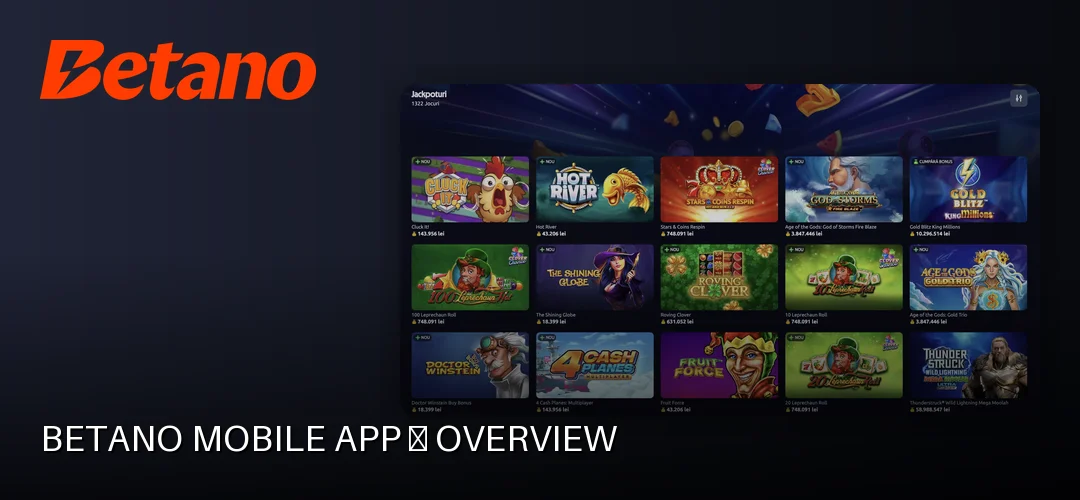
The Betano mobile app is a native application for Android and iOS that mirrors the full functionality of the desktop site: pre-match and live sports betting, the complete casino lobby, deposits, withdrawals and account verification. Unlike the mobile site running in a browser, the native app stores assets locally, loads markets faster and supports push notifications and biometric login.
Compatibility requirements are modest. The Android version runs on Android 5.0 or newer, while the iOS build requires iOS 11.0 or later, covering practically any iPhone or iPad still in regular use. The installation footprint is light enough for mid-range devices, and the app is designed to work over standard 4G connections without excessive data drain during live markets.
For the 2026 World Cup cycle, the operator has documented live goals, quick replays and integrated live video directly inside the app – a concrete reason to prefer the native build over a browser tab if in-play betting is your focus. If you have not created an account yet, registration takes a few minutes: Betano registration.
Download Betano for Android – APK
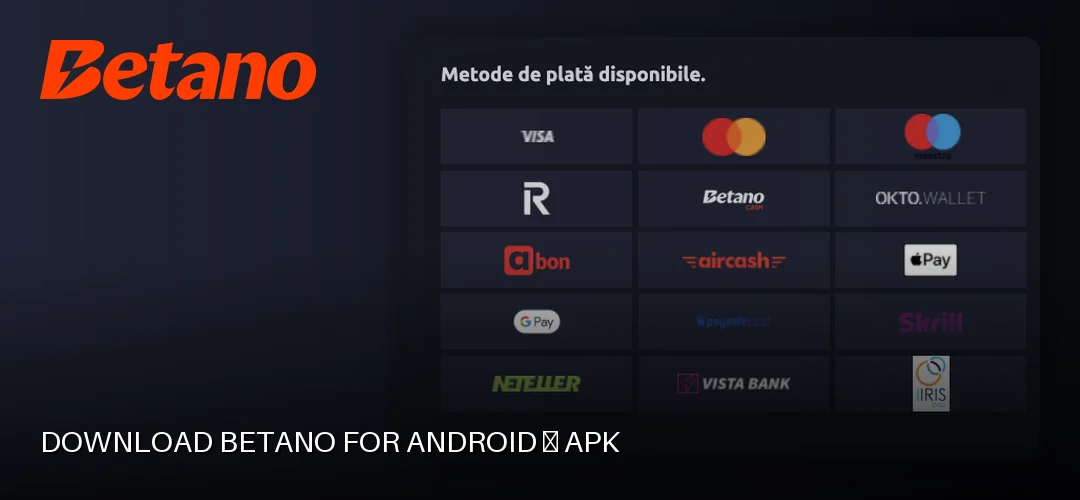
The Android version of the Betano app is available through Google Play, and the operator also documents an APK route for users who prefer or need a direct download. The phrase “betano app download apk for android” reflects a real habit: many Romanian players grab the APK directly from the operator’s site to make sure they always run the latest version. Both channels deliver the same application; the APK simply bypasses the store’s staged rollout.
How to Download the Betano APK
- Open the Betano website in your phone’s browser and navigate to the mobile apps section.
- Enable “Unknown sources” (Install unknown apps) in your Android security settings for the browser you are using. This is a standard step for any APK installed outside Google Play.
- Tap the download button and save the APK file to your device.
- Open the downloaded file from the notifications bar or your file manager and confirm the installation. Log in with your existing Betano credentials or create a new account.
Security note: only download the APK from the operator’s own domain. Third-party mirrors are where modified or malicious files circulate, and no bonus is worth a compromised device.
Updating the Android App
If you installed via Google Play, updates arrive automatically through the store’s normal mechanism. If you installed via APK, the app notifies you when a new version is available; downloading the latest version of the Betano app then means repeating the APK steps above with the fresh file – the new build installs over the old one and keeps your login session and settings intact.
Download Betano for iOS – iPhone & iPad
The Betano app for iOS is listed directly in the Romanian App Store, holding a 4.8/5 rating. Any iPhone or iPad running iOS 11.0 or newer is compatible, which covers devices going back many generations.
Installation is the standard App Store flow:
- Open the App Store on your iPhone or iPad.
- Search for “Betano” and confirm the developer listing matches the operator’s official presence.
- Tap Get, authenticate with Face ID, Touch ID or your Apple ID password, and wait for the download.
- Open the app, log in and enable biometric authentication when prompted.
iOS updates are automatic by default; you can also trigger them manually from the App Store’s Updates tab if you want the newest build the moment it ships.
Betano App Features
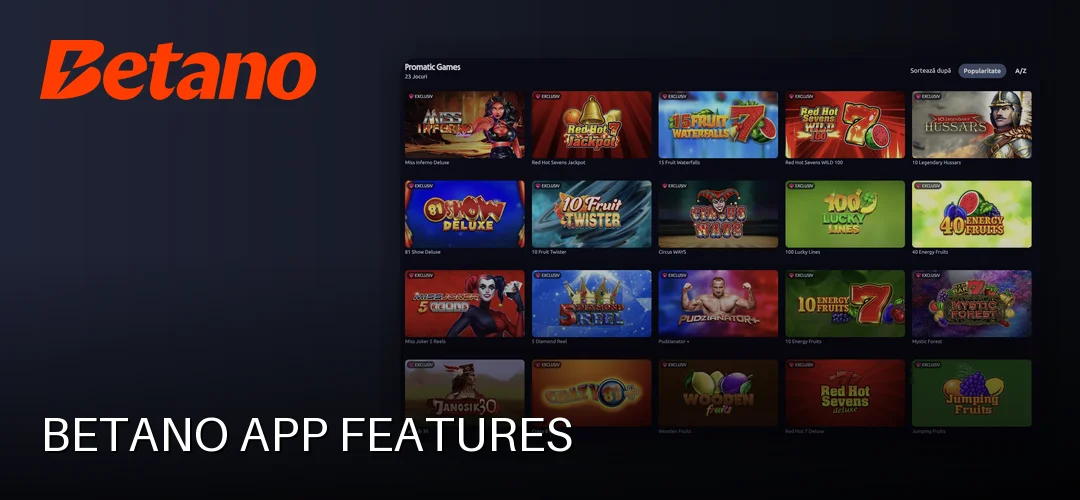
The app’s feature set is the full operator offer, not a stripped-down companion:
- Sports betting, pre-match and live. The in-play section updates odds in real time, and the documented live goals, quick replays and integrated live video make it a self-contained match centre. Deeper market coverage sits on the dedicated page: Betano sports betting.
- Casino. Slots, table games, live casino, jackpot games, video poker and game shows from providers including Pragmatic Play, Amusnet, Playtech, EGT Digital and Evolution. The flagship title tied to the no-deposit offer is 20 Burning Hot Clover Chance (EGT Digital). Full lobby analysis: Betano game library.
- Mobile deposits and withdrawals. The cashier supports card payments (Visa, Mastercard, Maestro), Revolut, Google Pay, Apple Pay, Skrill, Neteller, Paysafecard, OKTO.Wallet, Aircash, Betano Cash and bank transfer, with deposits starting from 1 RON. Withdrawals are processed via the method previously used for deposits, with minimums of 10 RON via Google Pay, 40 RON for most methods and 52 RON for Betano Cash.
- Push notifications. Odds movement, bet settlements and promotional alerts reach you without opening the app.
- Live streaming. Selected events stream directly in the app for logged-in users.
- Touch ID / Face ID. Biometric login replaces typing your password on every session – a genuine time-saver for in-play betting where seconds matter.
The Betano Strike App
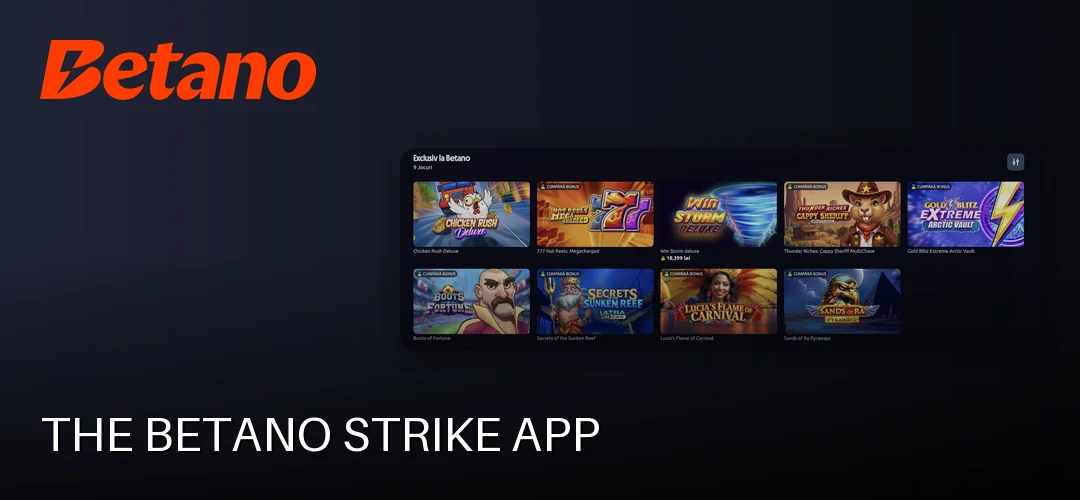
Betano Strike is the operator’s secondary, lighter-weight application concept – a streamlined experience built around speed rather than the full product depth of the main app. Where the primary Betano app covers the complete sportsbook and casino catalogue, Strike-style companion apps focus on quick access to highlighted events and fast bet placement.
Installation follows the same channels as the main app: App Store for iOS users, and Google Play or the operator’s site for Android. If your priority is the complete cashier, casino lobby and live video stack, the main app remains the right choice; the secondary app suits users who want minimal friction for quick slips.
Mobile Site vs. App
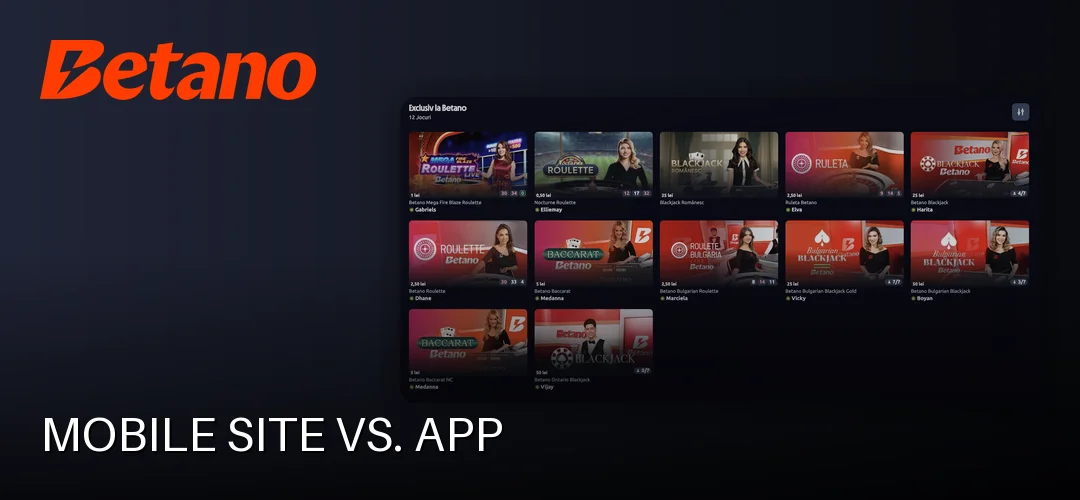
The Betano mobile site runs in any modern browser – Chrome, Safari, Firefox – with no download and no storage cost. It is the right tool when you are on a borrowed device, when your phone is low on storage, or when you simply want to check odds without logging into an app.
The native app wins on measurable grounds: faster market loading because interface assets live on the device, push notifications the browser cannot reliably deliver, biometric login, and integrated live video. Battery consumption is comparable between the two during active browsing; the app’s advantage is that shorter sessions (instant login, cached data) mean less screen-on time overall. The operator’s Facebook page and web presence complement both channels for announcements, but actual betting flows through the app or the mobile site.
Common App Problems and Solutions
“Nu merge aplicația Betano” – the app not working – is one of the most-searched complaints in this market, and the fixes are almost always mundane:
- The app won’t install (APK). Check that “Unknown sources” is enabled for the browser you downloaded with, and that the APK file came from the operator’s own site. A corrupted download is the second most common cause – delete the file and download it again.
- The app won’t open or crashes. Clear the app cache from Android settings, then restart. If that fails, uninstall and reinstall from scratch; your account data lives server-side, so nothing is lost.
- Login problems. Use the password reset flow on the login screen. Persistent issues usually trace back to an incomplete KYC step – verification requires a valid ID card, passport or driving licence, proof of address (a recent utility bill or bank statement from the last three months) and proof of the payment method, and it typically completes within 1–2 hours.
- Failed update. Download the newest APK over the existing installation, or delete and reinstall from Google Play / the App Store.
Frequently Asked Questions about the Betano App
How do I download the Betano app on Android?
Either install it from Google Play or download the APK from the operator’s website. For the APK route, enable “Unknown sources” in your Android settings, download the file and tap it to install. The whole process takes a couple of minutes on any device running Android 5.0 or newer.
Is there a Betano app for iOS?
Yes. The Betano app is available in the Romanian App Store for iPhone and iPad, requiring iOS 11.0 or later. It holds a 4.8/5 rating and supports Face ID and Touch ID login, push notifications and the full sportsbook and casino offer.
Is it safe to download the Betano APK?
Yes, provided the file comes from the operator’s own website. Betano Romania operates under ONJN licence L1170664W000663 held by Kaizen Gaming International Limited. Never download the APK from third-party mirror sites, where modified files can circulate.
How do I update the Betano app?
Google Play and App Store installations update automatically or via the store’s update tab. For APK installations, the app notifies you when a new version exists; download the latest APK from the operator’s site and install it over the current build – your login and settings are preserved.
Can I bet live from the Betano app?
Yes. The in-play section updates odds in real time, and the app integrates live goals, quick replays and live video for selected events. Push notifications alert you to odds movement and bet settlements, which makes the app the strongest channel for live betting.
Does the Betano app drain a lot of battery?
Consumption is comparable to normal mobile browsing. Because biometric login and cached data shorten each session, total screen-on time – the real battery driver – tends to be lower than betting through a browser tab. Live video streaming is the one feature that raises usage noticeably.
What do I do if the Betano app won’t install?
Confirm “Unknown sources” is enabled for your browser, verify the APK came from the operator’s site, and re-download the file to rule out corruption. On iOS, check that your device runs iOS 11.0 or newer. If problems persist, uninstall completely and reinstall fresh.
Can I make deposits from the Betano app?
Yes. The mobile cashier supports card (Visa, Mastercard, Maestro), Revolut, Google Pay, Apple Pay, Skrill, Neteller, Paysafecard, OKTO.Wallet, Aircash, Betano Cash and bank transfer, with deposits from 1 RON. Most withdrawal methods pay out within about 1 minute to 24 hours.
Get the App and Start With the Welcome Offer
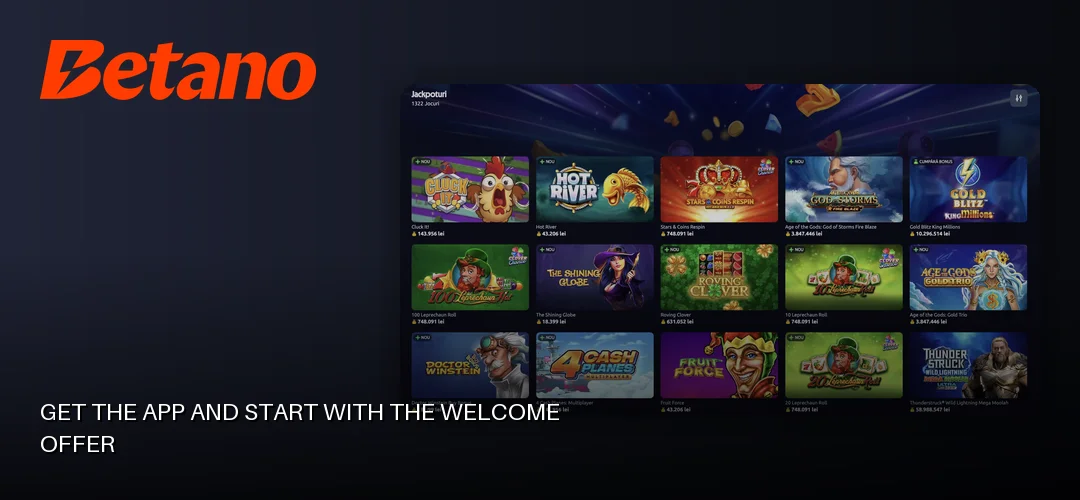
The numbers favor new mobile players: the Casino welcome package reaches up to 15,000 RON bonus plus 1,000 free spins with a 0.50 RON stake across the first 4 deposits (minimum deposit 50 RON), and verifying your account adds 200 free spins with no deposit at 20 Burning Hot Clover Chance (1x wagering) plus a 25 RON freebet. Depositing from the app takes seconds with Google Pay or Apple Pay, and promo code PEBUNE applies at registration.